Drive Spacer — Disk Space Analyzer
See where your disk went.
- Utilities
- macOS
- Free, with a one-time in-app purchase
- 4+
com.humansai.drivespacerMost of what fills a Mac is invisible: caches that rebuild themselves, build output from projects you finished months ago, offline copies of web apps, and the support files applications leave behind when you drag them to the Trash. Finder will not show you any of it in a way you can act on.
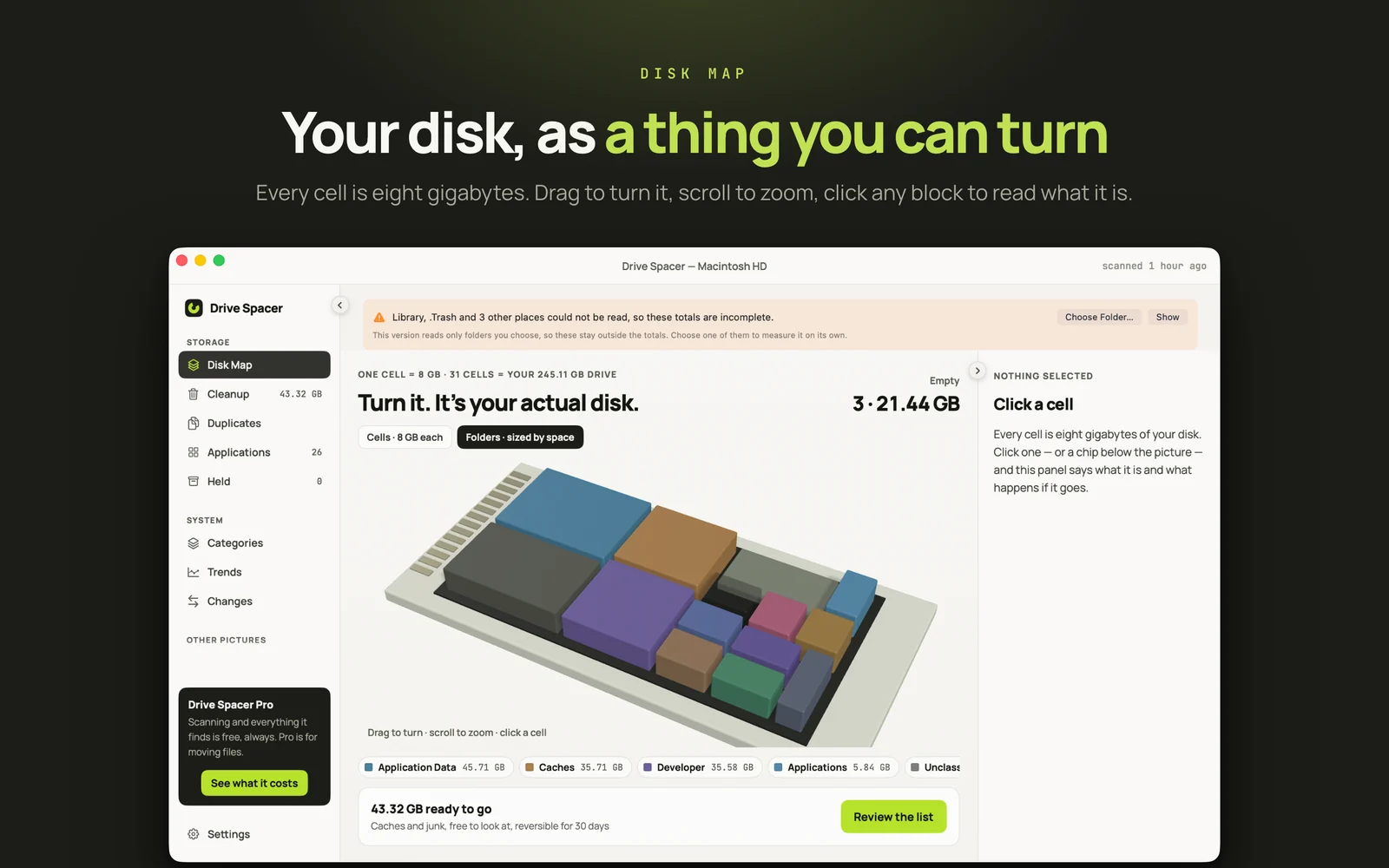
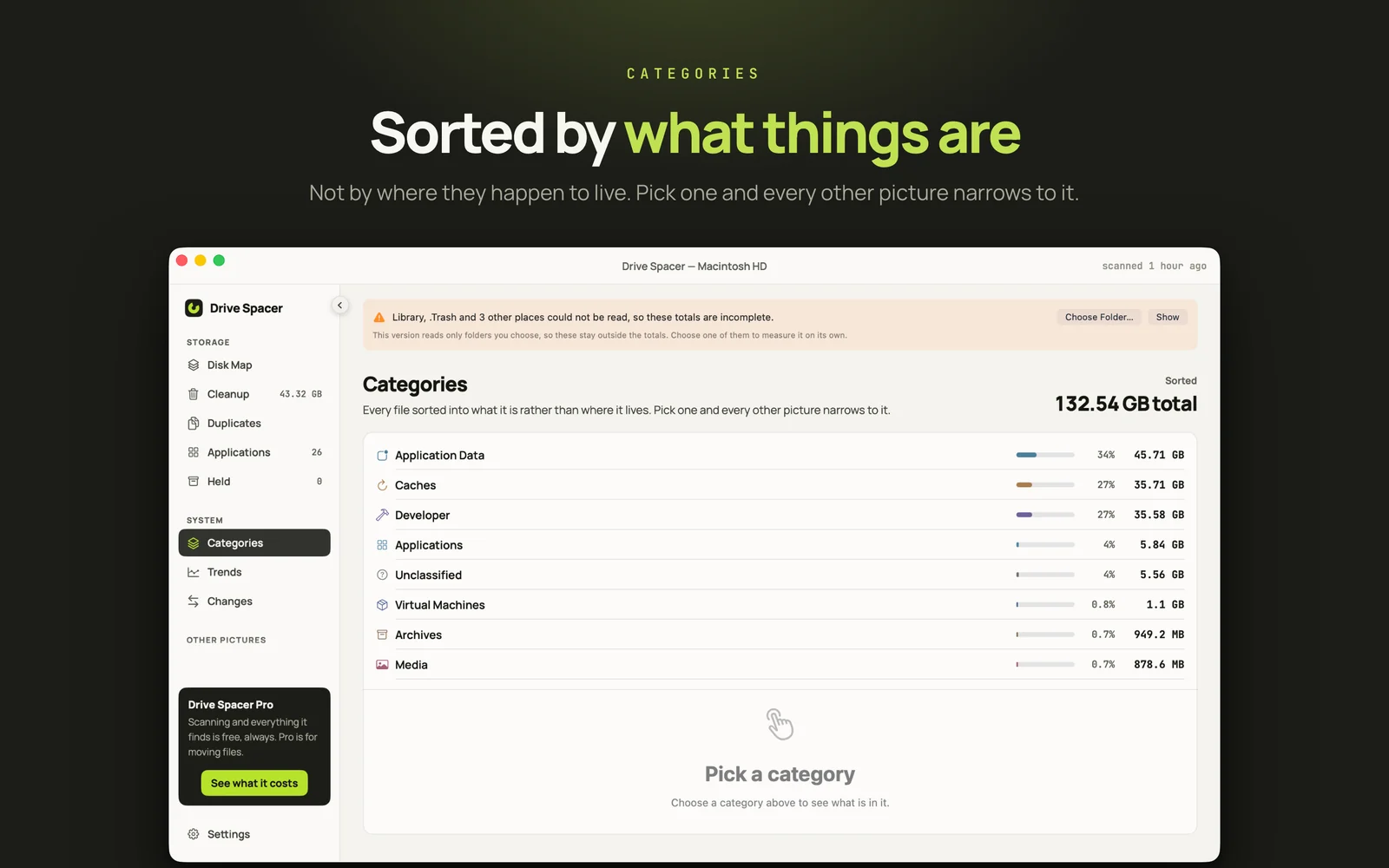
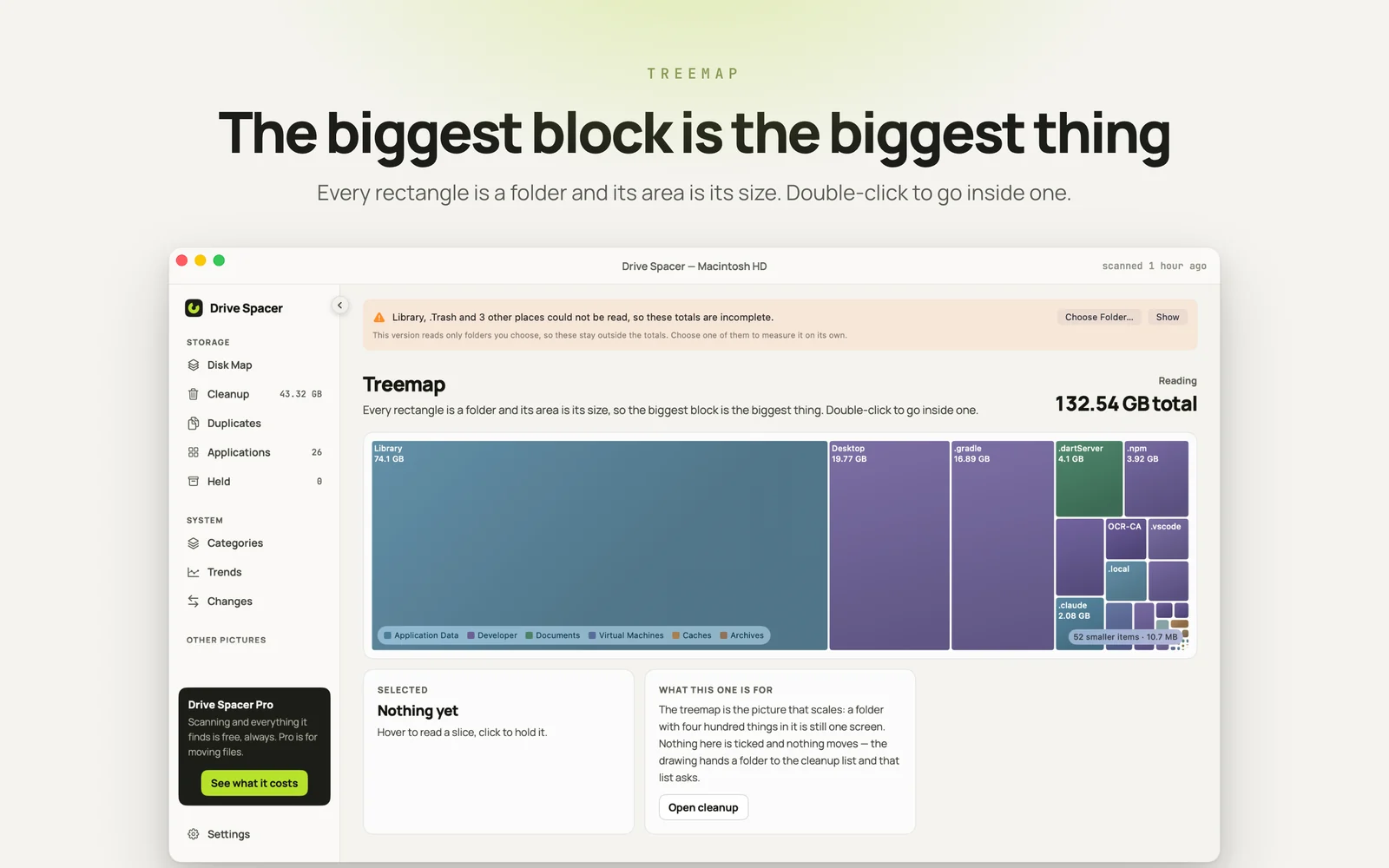
Drive Spacer measures it. Every folder, three different ways — a disk map you can turn, a treemap where the biggest rectangle is genuinely the biggest folder, and categories that sort files by what they are rather than where they sit. All of that is free, with no cap and no time limit; the one purchase is for moving files.
It also says what it could not read. A scan that quietly skips folders produces a total that is wrong, and most tools do not mention it — so the number you are looking at here is one you can trust.
See it
- A disk map you can turn — every cell is eight gigabytes of your actual disk
- A treemap where a folder's area is its size, and a double-click goes inside
- Categories that sort every file by what it is, not where it lives
Find it
- Duplicates matched by file contents, so renamed copies still count
- Applications sized with everything they left behind
- Trends across scans, showing what was measured on the days it was measured
Clean it
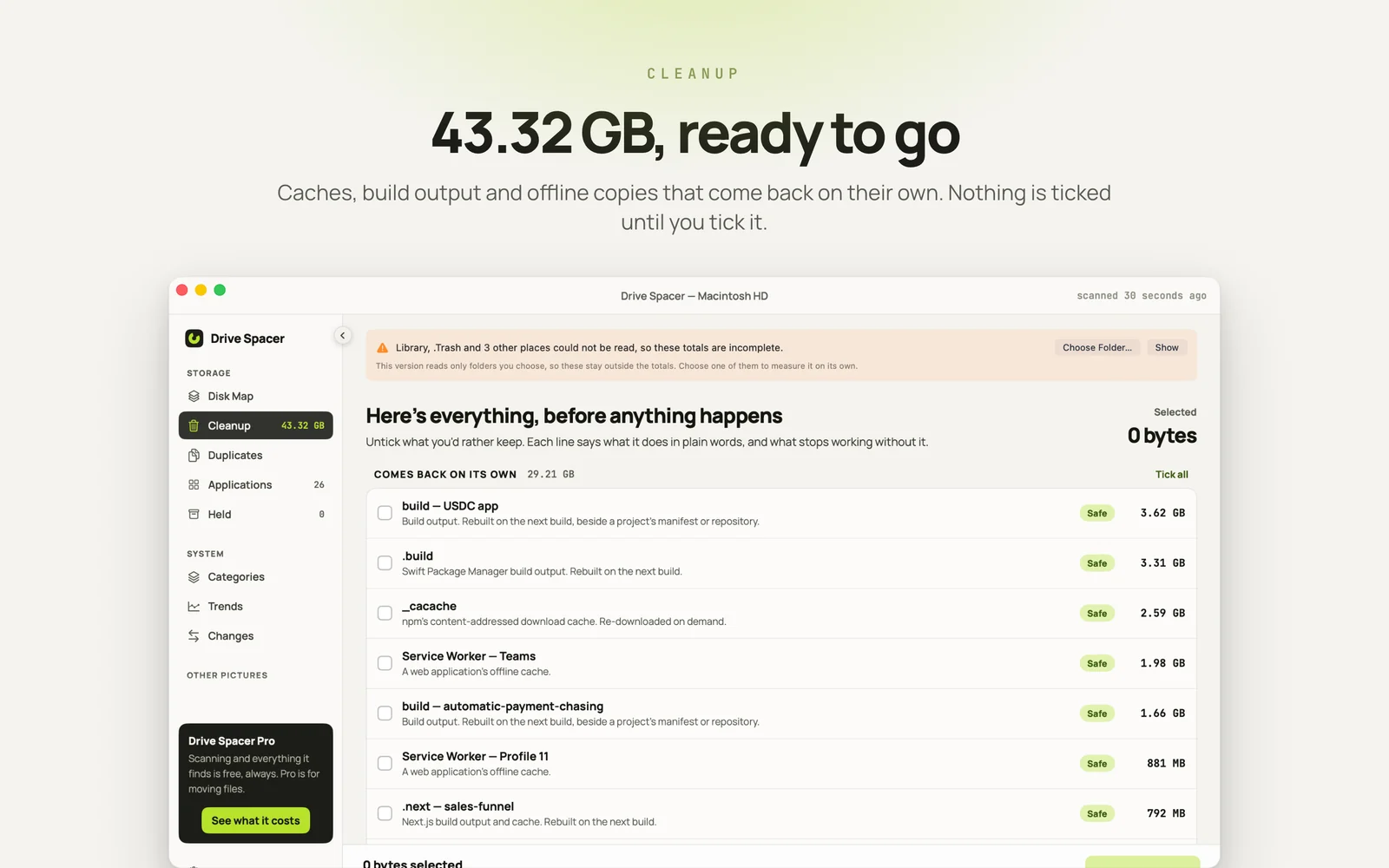
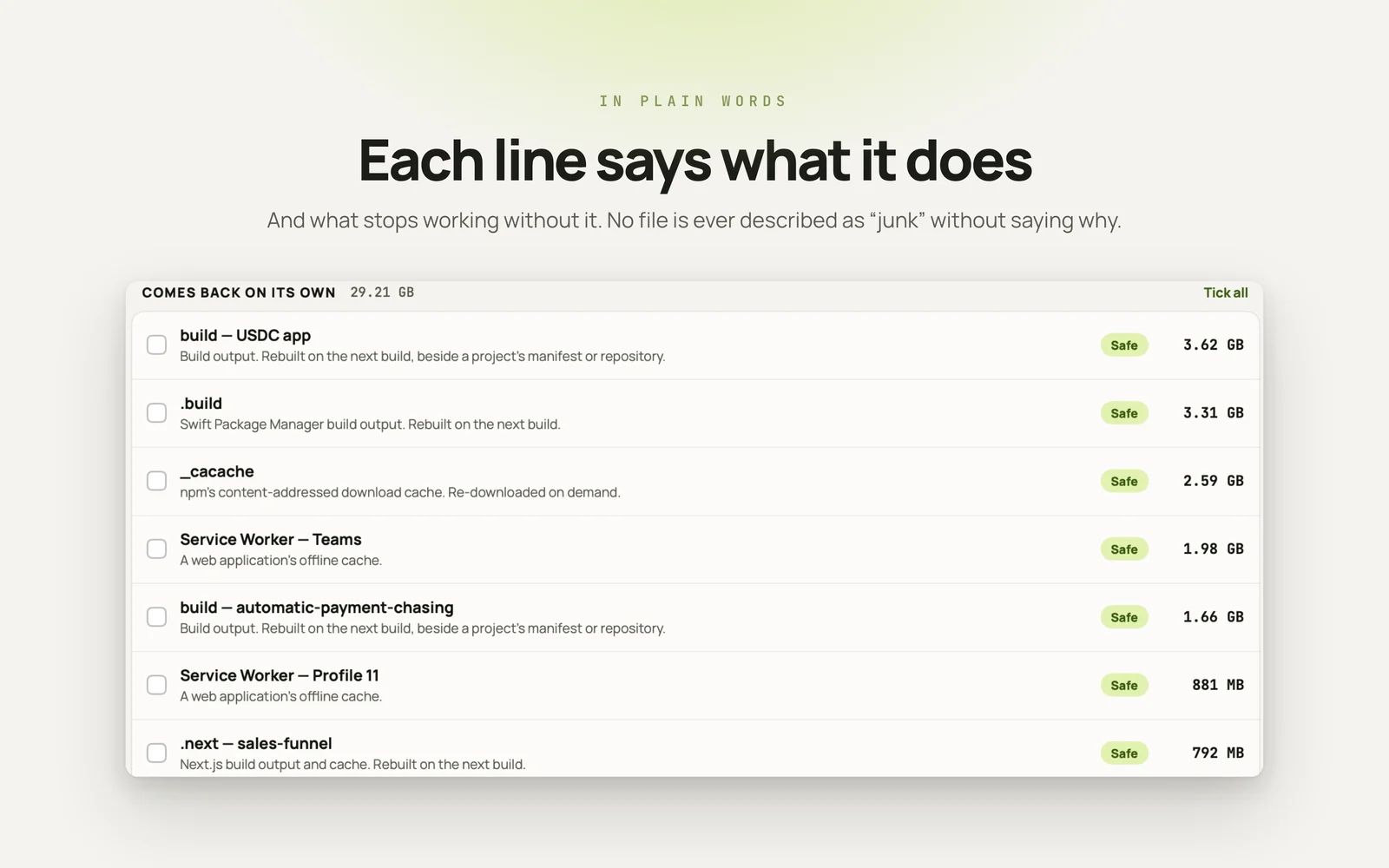
- Every line says what it is and what stops working without it
- Nothing is ticked until you tick it
- Hold for 30 days and reverse any of it, or erase outright — your choice
Quietly
- No account, no sign-in, and no analytics of any kind
- No network call while it scans
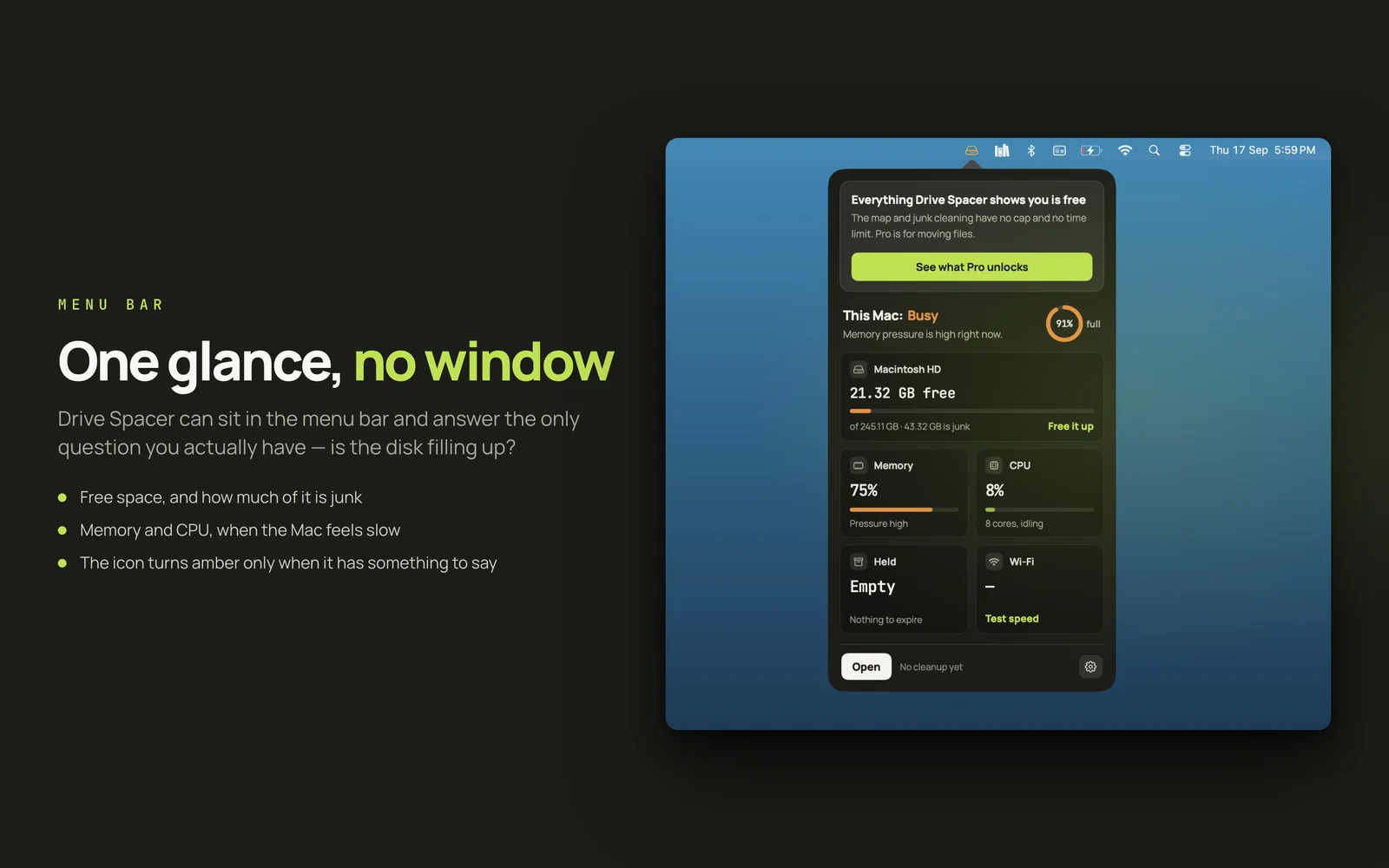
- A menu bar icon that turns amber only when it has something to say