Pick a board
Choose a 3×3 or 5×5 board. Start from original craft prompts, or write every goal yourself to suit your own pace.
For crochet & knitting · iPhone
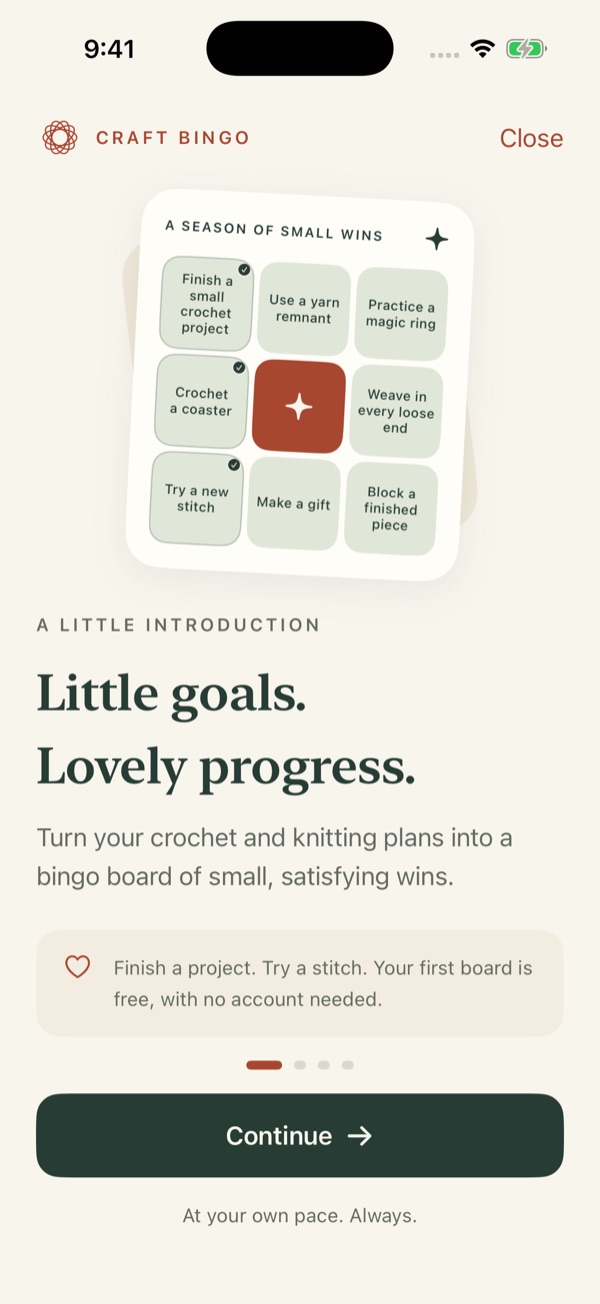
Craft Bingo turns your crochet and knitting goals into a board of small, satisfying wins. Finish a project, learn a stitch, use up your leftover yarn. No streaks to lose and no deadlines to chase.
Free to start · No account · Works offline
A season of
small stitches
Tap a square to mark a little win.
A little demo. The real board lives on your iPhone, with your photos and notes.
How it works
Choose a 3×3 or 5×5 board. Start from original craft prompts, or write every goal yourself to suit your own pace.
Finish a project, practice a stitch, use what is in your stash. Tap a square, then add a photo and a private note.
Complete a row, a column, or a diagonal. Then keep going for the whole board, whenever you feel like it.
A look inside
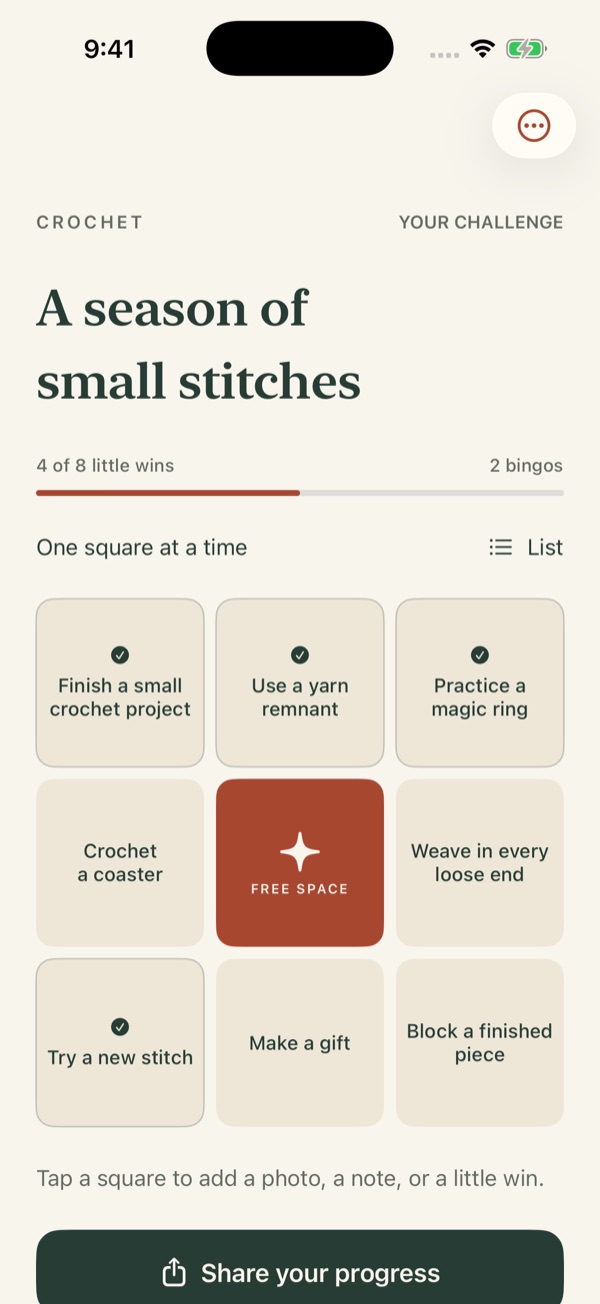
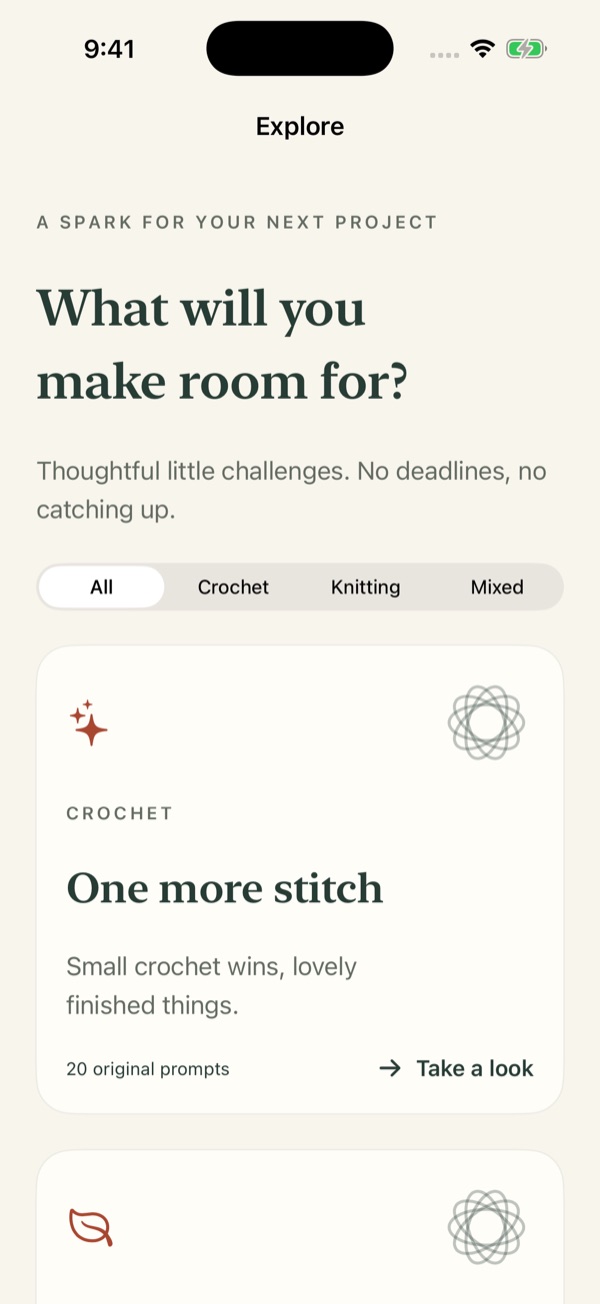
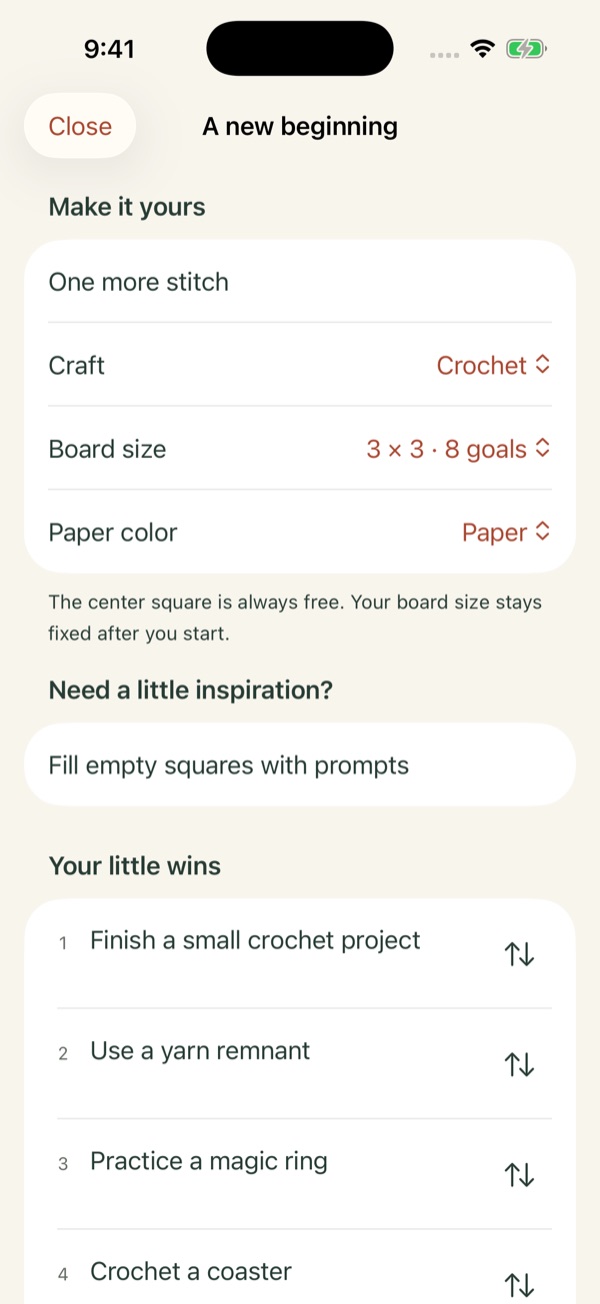
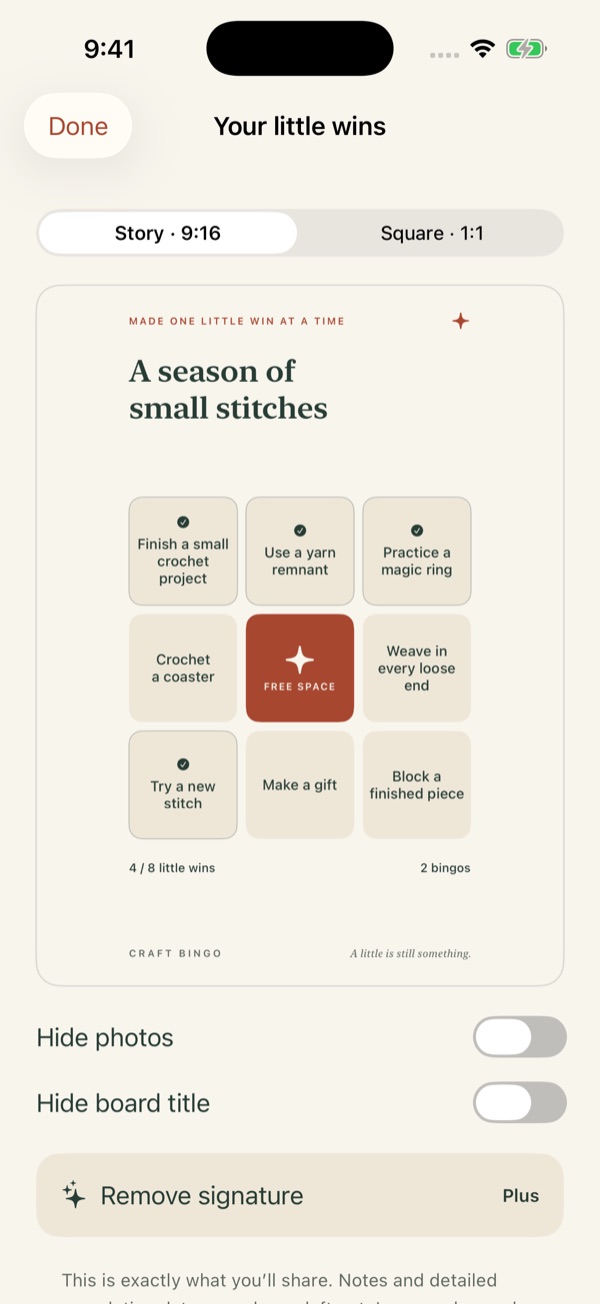
What is in the box
3×3 or 5×5 boards, 60 original prompts to start from, and every goal editable. Archive a board, duplicate it, or undo a tap.
Add a photo and a private note to each square. Photos are cropped square and saved without their location data.
Export your progress as a square or portrait image. Private notes never appear on a card, and you can hide photos too.
Send a reusable template so a friend can try the same board. Templates carry goals only, never your photos or notes.
No account, and boards work offline. Export a backup to keep a separate copy or move everything to another iPhone.
Optional weekly reminders, dark mode, larger text sizes, VoiceOver labels, and a list view when a grid is not comfortable.
Free & Craft Plus
Included
Archive a board and start another whenever you like.
Optional one-time purchase
Pay once through the App Store. The price is shown in the app in your local currency, and Restore Purchases brings it back on a new iPhone.
Questions & support
Need a hand with the app? Write to kaizentechservice@gmail.com and we will help.
No. There is nothing to sign up for. Open the app and start a board.
Yes. Your boards live on your iPhone and work without a connection. Buying or restoring Craft Plus needs the App Store to be reachable.
Inside the app on your iPhone. They are not uploaded to us. They leave your device only when you choose to share an image, a template, or a backup.
Yes. In Settings, export a backup file, then restore it in Craft Bingo on the other iPhone. Backup files are not password-protected, so keep them somewhere you trust.
No. It is an optional one-time purchase. If you reinstall the app or change iPhones, use Restore Purchases in Settings.
An iPhone with iOS 17 or later.
Requires an iPhone with iOS 17 or later.